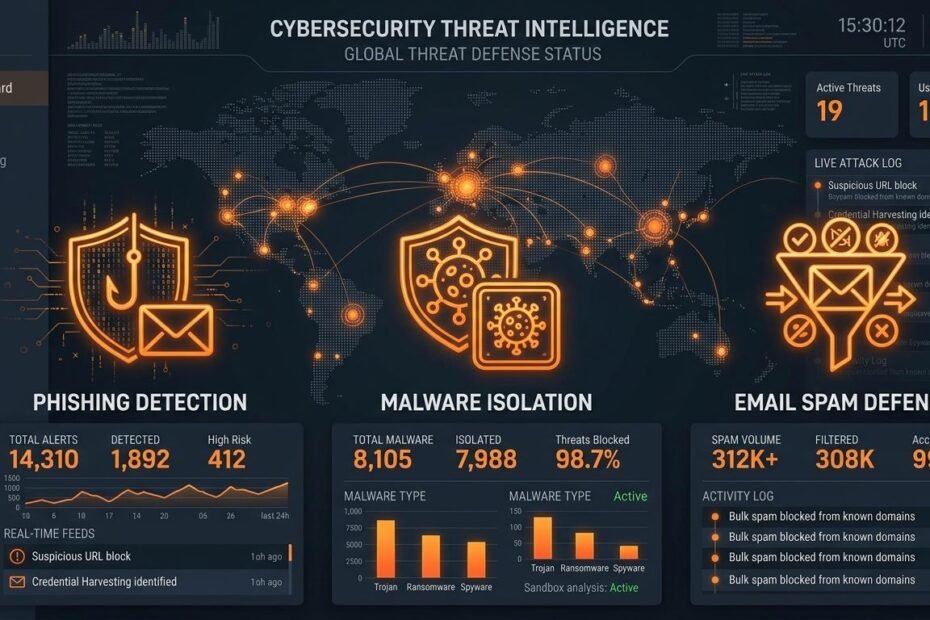
Unsolicited email spam is frequently dismissed as a minor nuisance—an inevitable consequence of maintaining an active internet presence. However, global threat intelligence reports consistently reveal that electronic mail remains the single largest attack vector for cybercrime. Over 85% of all corporate security breaches and personal data compromises originate from a single malicious email message.
Modern cybercriminals no longer rely on obvious, poorly written spam messages offering fake lottery prizes. Today’s threat actors deploy artificial intelligence (AI), domain spoofing, social engineering, and zero-day exploit payloads to bypass traditional spam filters. In this comprehensive cybersecurity master guide, we break down the top 7 dangerous threats hidden inside unsolicited emails, analyze technical email authentication protocols (SPF, DKIM, DMARC), and demonstrate how inbox isolation via disposable temp mail protects your digital life.
1. Spear-Phishing & Advanced Domain Spoofing
Unlike generic mass spam campaigns, spear-phishing is a targeted cyberattack customized for a specific individual or organization. Threat actors research their victims using public social media profiles and corporate directories to craft highly convincing messages.
Technical Mechanics of Email Spoofing
Standard Simple Mail Transfer Protocol (SMTP) was created decades ago without built-in identity verification mechanisms. This legacy architecture allows malicious senders to manipulate the From: header field, making an email appear as if it originated from a trusted institution, such as your bank, PayPal, Google, or your corporate IT department.
- Direct Domain Spoofing: The attacker uses the exact domain name of a legitimate company (e.g.
support@paypal.com) if the domain owner lacks strict authentication policies. - Look-Alike (Typosquatting) Domains: Attackers register domain names visually identical to legitimate ones using subtle character substitutions (e.g., replacing lowercase
lwith uppercaseIor substitutingpaypa1.comforpaypal.com). - Homograph Attacks: Cybercriminals utilize Internationalized Domain Names (IDN) containing non-Latin Cyrillic characters that look identical to Latin letters in web browsers.
2. Malicious Executables & Trojan Payloads
Unsolicited spam messages remain the primary delivery vehicle for destructive malware, including ransomware, keyloggers, remote access trojans (RATs), and information stealers (InfoStealers).
Common Payload Delivery Vectors
- Macro-Enabled Office Documents: Attackers attach Microsoft Word or Excel files containing malicious Visual Basic for Applications (VBA) macro scripts. Opening the document prompts the victim to “Enable Editing,” executing background scripts that download malware payload binaries.
- Disguised Double Extensions: Files named
Invoice_2026.pdf.exeexploit default Windows settings that hide file extensions, tricking users into executing binary applications disguised as PDF documents. - Password-Protected Archives: Spammers attach password-protected
.zipor.7zfiles containing malicious scripts. Because security gateways cannot inspect encrypted archives without the password, the malicious email successfully bypasses perimeter firewall scanners.
3. Invisible Tracking Web Beacons & Location Fingerprinting
Not all harmful emails attempt to install malware immediately. Many commercial spam messages embed invisible 1×1 tracking pixels (web beacons) designed to harvest your personal technical metadata silently.
What Data Tracking Pixels Leak to Advertisers
When your mail client opens an HTML message containing a tracking beacon, your device executes an automatic HTTP request to a remote server. This single interaction instantly broadcasts:
- Your exact public IP address and physical geographic location (city, state, country).
- Your Internet Service Provider (ISP) and network connection details.
- Your operating system version, browser user-agent, and mobile device type.
- The exact millisecond timestamp when you opened the email.
Confirming that an email was opened flags your address as an “active target,” causing your account to be resold across commercial spam distribution networks at premium rates.
4. Real-Time Credential Harvesting Landing Pages
Credential harvesting is a sophisticated attack vector where spam emails contain hyperlinks leading to fake login portals designed to steal username, password, and multi-factor authentication (MFA) credentials.
Adversary-in-the-Middle (AiTM) Phishing Frameworks
Modern threat actors deploy AiTM phishing proxies (such as Evilginx). When a victim clicks a link in a spam email and logs into the fake portal, the proxy forwards credentials to the legitimate service in real time, intercepts the session cookie and 2FA OTP code, and grants the attacker full access to the account without triggering traditional password alerts.
5. Social Engineering & Artificial Urgency Exploits
Social engineering targets human psychology rather than software vulnerabilities. Attackers craft spam messages designed to induce emotional responses—such as fear, urgency, curiosity, or greed—causing victims to make hasty security errors.
Common Psychological Manipulations
- Account Suspension Threats: “Your bank account has been locked due to suspicious activity. Verify identity within 2 hours or face permanent closure.”
- Fake Invoice & Order Confirmations: “Thank you for your purchase of $1,499.00. Click here if you did not authorize this charge.”
- AI-Generated Personalized Phishing: Threat actors use Large Language Models (LLMs) to write flawless, accent-free phishing emails tailored to your industry and job role.
6. Keyloggers & Drive-By Web Downloads
Clicking links inside unsolicited emails can direct your browser to compromised web servers hosting exploit kits. These kits scan your web browser for unpatched vulnerabilities in plugins or extensions.
If a vulnerability is detected, the server executes a “drive-by download,” installing background keyloggers or InfoStealer trojans (such as RedLine Stealer) without displaying download prompts. These keyloggers capture your keystrokes, saved browser passwords, autofill credit card details, and cryptocurrency wallet keys, transmitting them back to attacker command-and-control (C2) servers.
7. Data Broker List Enrichment & Black-Market Reselling
Simply possessing an active email address makes you a target for digital data brokers. Spammers send mass automated emails containing ping trackers to millions of addresses collected from public web scrapers.
When your mail client receives the message, automated server responses (or tracking pixel hits) confirm that the email account is actively monitored. Data brokers aggregate these verified addresses into categorized lists (e.g. “Active E-Commerce Shoppers” or “Corporate Executives”) and sell them on cybercrime marketplaces, resulting in an exponential increase in spam volume over time.
Technical Defense Protocol: Understanding SPF, DKIM & DMARC
Modern cybersecurity relies on three foundational email authentication protocols to combat spoofing and spam:
| Protocol | Full Name | Security Function |
|---|---|---|
| SPF | Sender Policy Framework | Publishes a DNS record listing authorized IP addresses permitted to send emails on behalf of a domain. |
| DKIM | DomainKeys Identified Mail | Attaches a cryptographic digital signature to email headers to verify message tampering has not occurred during transit. |
| DMARC | Domain-based Message Authentication | Instructs receiving mail servers how to handle emails failing SPF/DKIM checks (Reject, Quarantine, or None). |
10-Point Actionable Email Defense Checklist
- Deploy Disposable Temp Mail for Web Signups: Never enter your primary email address on public Wi-Fi portals, untrusted tools, or gated downloads. Use
TempMail.asiato keep your main inbox isolated. - Inspect Full Email Headers: Check sending domain details rather than relying solely on display names.
- Never Enable Macros: Disable automatic macro execution in Microsoft Office settings.
- Hover Before Clicking Links: Inspect destination URLs before clicking hyperlinks in emails.
- Use Hardware 2FA Keys: Protect critical accounts with hardware security keys (FIDO2/YubiKey) resistant to AiTM phishing.
- Disable Remote Image Loading: Configure webmail clients to prompt before rendering external HTML images.
- Keep Systems & Browsers Updated: Apply browser security patches promptly to neutralize drive-by exploit kits.
- Use Password Managers: Password managers will not autofill credentials on phishing look-alike domains.
- Verify Out-of-Band Communications: If an email requests urgent wire transfers or credential changes, confirm via phone call.
- Audit Account Sign-in Logs: Review security logs on main accounts regularly to spot unauthorized access attempts.
Frequently Asked Questions
Can simply opening a spam email infect my computer with malware?
Opening an email rendered in plain text is generally safe. However, opening an HTML email with enabled image auto-loading can trigger tracking pixels, and clicking links or opening attachments can execute malware.
Why do spam emails still reach my primary inbox despite filters?
Cybercriminals continuously modify payload obfuscation, use compromised legitimate servers, and deploy AI-generated natural text to bypass traditional spam filters.
How does TempMail.asia protect me from email threats?
TempMail.asia isolates incoming messages in dynamic server memory, sanitizes HTML tracking elements, and self-destructs after use, preventing spam vectors from ever reaching your personal accounts.
Conclusion
Email threat vectors are constantly evolving, but establishing strong digital hygiene habits protects your personal data. By understanding the cybersecurity threats hidden in unsolicited emails and using disposable temp mail for daily web signups, you create a permanent security shield around your primary inbox.